

Rujukan Laman

i8mega App for Android and iOS

The i8mega app brings live tables, slots and sportsbook to your phone with instant deposits via Touch 'n Go, GrabPay, Boost dan FPX.

AndroidiOSAPK 30MBPush AlertsOne-Tap Login
i8mega i8mega App for Android and iOS
i8mega Slots, Live Tables and Sportsbook in Your Pocket

Slots, Live Tables and Sportsbook in Your Pocket

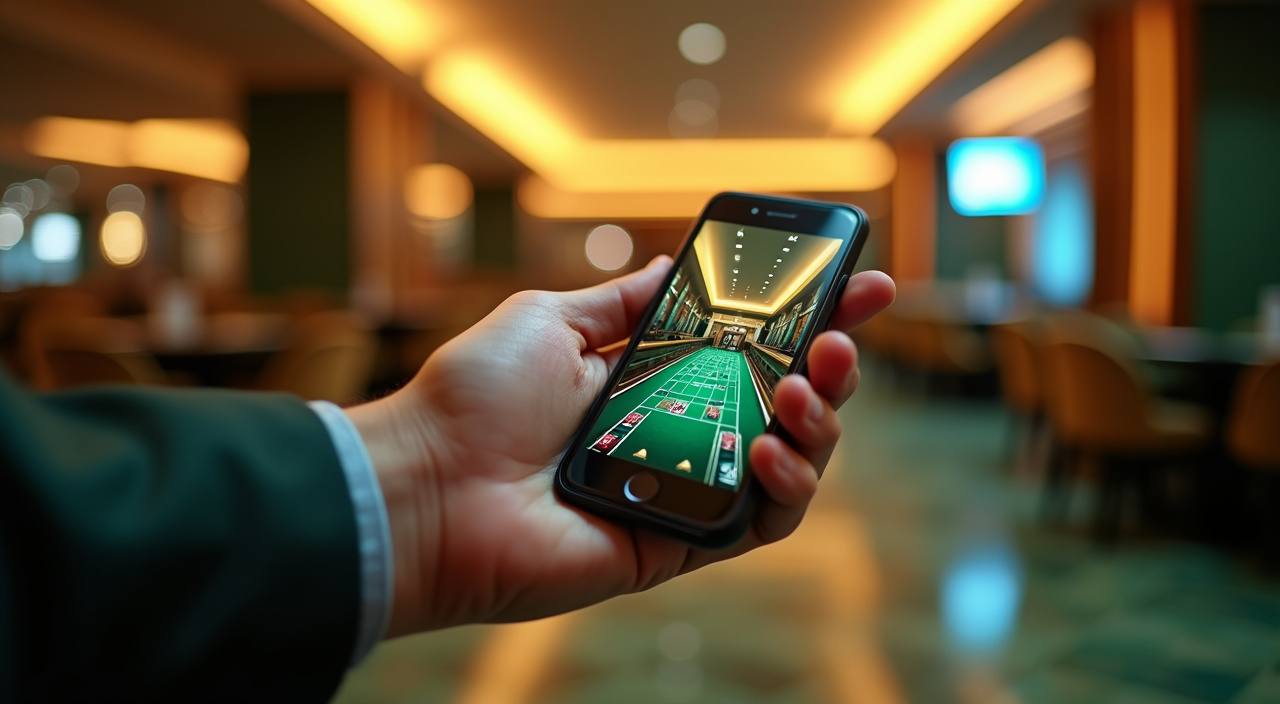
The app shows you live Immersive Roulette, Crystal Caverns, Football Studio and Aviator the moment you tap it open. Your notifications tell you when promos go live. Fingerprint login locks your account to your phone; one-tap deposit means your Touch 'n Go or GrabPay clears and you're playing within seconds. Browse the full lobby offline before you log in, then jump straight

to your favourites when you're ready.
INSIDE THE APP

Features Built for Mobile Play

Every feature in the app is designed so you spend less time navigating and more time in the lobby.

Fingerprint Login Your phone's fingerprint or face ID unlocks your account instantly.
Dark Mode Play at night without screen glare.
Push Notifications Get alerts when new promotions launch, when your withdrawal clears…
Offline Lobby Preview Browse game titles, live table schedules and your account balance…
Quick Deposit Touch 'n Go, GrabPay, Boost dan FPX are one tap…
Instant Withdrawal Confirm Request a withdrawal and see it confirmed on screen within…
i8mega Install and Start Playing

Install and Start Playing

Installing the i8mega app takes less than two minutes. Download the file to your phone, allow installation from unknown sources if you're on Android, tap the app icon and sign in with your account or create one right there. Within seconds you'll see the full lobby of live tables, slots and sportsbook markets ready to play.

  • Step 1: Download APK — Visit i8mega.net from your phone browser or scan the QR code on the login page. Tap 'Download APK' and wait 10–15 seconds for the 30MB file to arrive.
  • Step 2: Allow Install from Unknown Sources — Android will ask for permission to install the app from outside Google Play. Tap 'Settings' → 'Security' → toggle 'Unknown Sources' on, then return to the notification and tap 'Install'.
  • Step 3: Open and Sign In — Once the app icon appears on your home screen, tap it. Sign in with your i8mega account email and password, or create a new account in 30 seconds and you're in the lobby.
SYSTEM REQUIREMENTS

Phone and Tablet Compatibility

The i8mega app runs on most Android and iOS devices made in the last five years. Check your device specs below to confirm compatibility before you download.

01

Android

Android 7.0 or later. RAM: 2GB minimum (3GB recommended). Storage: 50MB free space after install. Supported regions include Malaysia and other markets where i8mega operates under local law.

02

iOS

iOS 12 or later. iPhone 6S and newer. iPad (5th generation and newer). Storage: 60MB free. App runs on WiFi or mobile data; access depends on local law and where you're located.

03

Mobile Data and WiFi

The app streams live tables and sportsbook over 4G, 5G and WiFi without lag. Download the app on WiFi to save mobile data, then play on either connection.

04

Tablet Support

iPad and Android tablets 7 inches and larger display the full lobby interface. Portrait and landscape modes both work; the app rotates to fit your screen automatically.

05

Regional Availability

The app is available where i8mega operates under local law and regulation. Malaysia players can download and install immediately. Access and eligibility depend on local law and where local law permits.

TOUR THE SCREENS

What You See When You Open the App

Every screen in the i8mega app puts the action front and centre. No hidden menus or confusing tabs—tap your game, place your bet and watch it play live on your…

Live Lobby—Immersive Roulette, Football Studio, Crystal Caverns and Aviator are always visible on the home tab
Quick Bet Slip—Your current bet shows at the bottom of every screen; tap to edit stakes before the round closes
Account Balance—Your chip count, recent wins and withdrawal status live in the top bar
Slot Favourites—Star any game (Neon Fruits, Jackpot Fishing, Aviator) and they appear at the top of the lobby
Live Chat Support—Tap the question mark icon to reach support in minutes; they respond on the app
Payment History—See your deposits via Touch 'n Go, GrabPay, Boost dan FPX and withdrawals all in one tap
i8mega mobile gaming
Google Play App Store
HELP WHEN YOU NEED IT

App Support and Troubleshooting

If your app won't download, login doesn't work or you're not seeing live tables, our support team responds within minutes. Check the install guide first—most issues resolve with one setting change.

In-App Support Chat Open the app and tap the support icon. Type your question and a specialist responds in minutes. Hours: 08:00–23:00 Malaysia time, seven days a week.
Email Support Email [email protected] with your account email, device type and what happened. We reply within 2–4 hours during business days and within 24 hours on weekends.
Installation Guide Visit i8mega.net/app-help for step-by-step screenshots covering download, permissions, login and common Android/iOS errors. Most app problems are covered here.
YOUR ACCOUNT IS SECURE

How the App Protects Your Account and Money

The i8mega app uses the same encryption and security as our desktop site. Your app login is tied to your device; we sign every app version so you know you're downloading the…

Code Signing

Every version of the i8mega app is digitally signed by our security team. If someone tries to distribute a fake copy, your phone warns you it's not from i8mega.

No Third-Party Stores

The app is only available from i8mega.net and our official download page—never from third-party app stores or file-sharing sites. This keeps malware out.

Device Lock

Fingerprint or face ID login ties your session to your phone. Even if someone else opens the app, they need your fingerprint or face to get in.

Account Recovery

Lost your phone? Email [email protected] with your account email and we'll verify you're the owner in minutes. Log in on a new device and your balance, bets and withdrawal history are waiting.

Encrypted Payments

Touch 'n Go, GrabPay, Boost dan FPX payments are encrypted end-to-end. Your payment details never touch our servers—the banks handle the transfer.

Session Timeout

If you leave the app running, it locks your session after 15 minutes of no activity. When you return, you log in again with your fingerprint so your account stays safe.

APP VS BROWSER

Why Download the App Instead of Playing on Mobile Browser

The app and mobile browser both let you play on the go, but the app loads faster, sends you notifications and works even when your internet drops. Here's what sets them apart.

01

Speed

The app loads live tables 2–3 seconds faster than the browser. Slots spin without lag. Navigation between games is instant because the app caches the lobby.

02

Notifications

The app pushes alerts when promos go live or your withdrawal clears. The mobile browser has no notifications—you miss opportunities unless you check manually.

03

Offline Preview

Browse game titles and your balance without internet. The app syncs the moment you're back online. The browser needs internet to show anything.

04

Storage and RAM

App uses 30MB of space and runs smoothly on 2GB RAM. Mobile browser can get sluggish on older phones when tabs pile up or your browser cache fills.

05

Biometric Login

The app supports fingerprint and face ID for instant login. The mobile browser only has password login, which is slower and harder to manage on a small screen.

06

Background Play

Switch to another app while the app is playing your live table—come back and it picks up where you left off. Browser doesn't preserve state as reliably when you switch tabs.

Frequently Asked Questions About the App

Yes, the app is free. You only pay for deposits and winnings belong to you. No subscription, no hidden download fees. Download the 30MB APK from i8mega.net and start playing immediately.

Yes. Download the app on both devices and log in with the same account. Your balance, history and favourite games sync across all your devices. Play slots on your phone and switch to live tables on your tablet without losing your session.

Your bet is saved on our servers—not just on your phone. If the app crashes, restart it and log back in. Your round will still be live and your bet is recorded. Winnings or losses process normally.

No. Use the same i8mega account you created on the desktop site. If you're new, create one account in the app and you're ready to play on any device—phone, tablet or computer.

Live streaming uses about 10–15MB per hour depending on your video quality settings. Slots use 2–5MB per hour. On slower data plans, the app automatically reduces stream quality so you play without buffering.

Yes. Touch 'n Go, GrabPay, Boost dan FPX deposits process in under a minute directly in the app. Withdrawals go back to the same payment method and typically clear within a few hours depending on your bank or e-wallet.

Make sure you've enabled 'Unknown Sources' in your phone's Security settings. Then try installing again. If it still fails, your phone may not have enough free storage. Delete old photos or unused apps and try once more. Email [email protected] if you're still stuck.